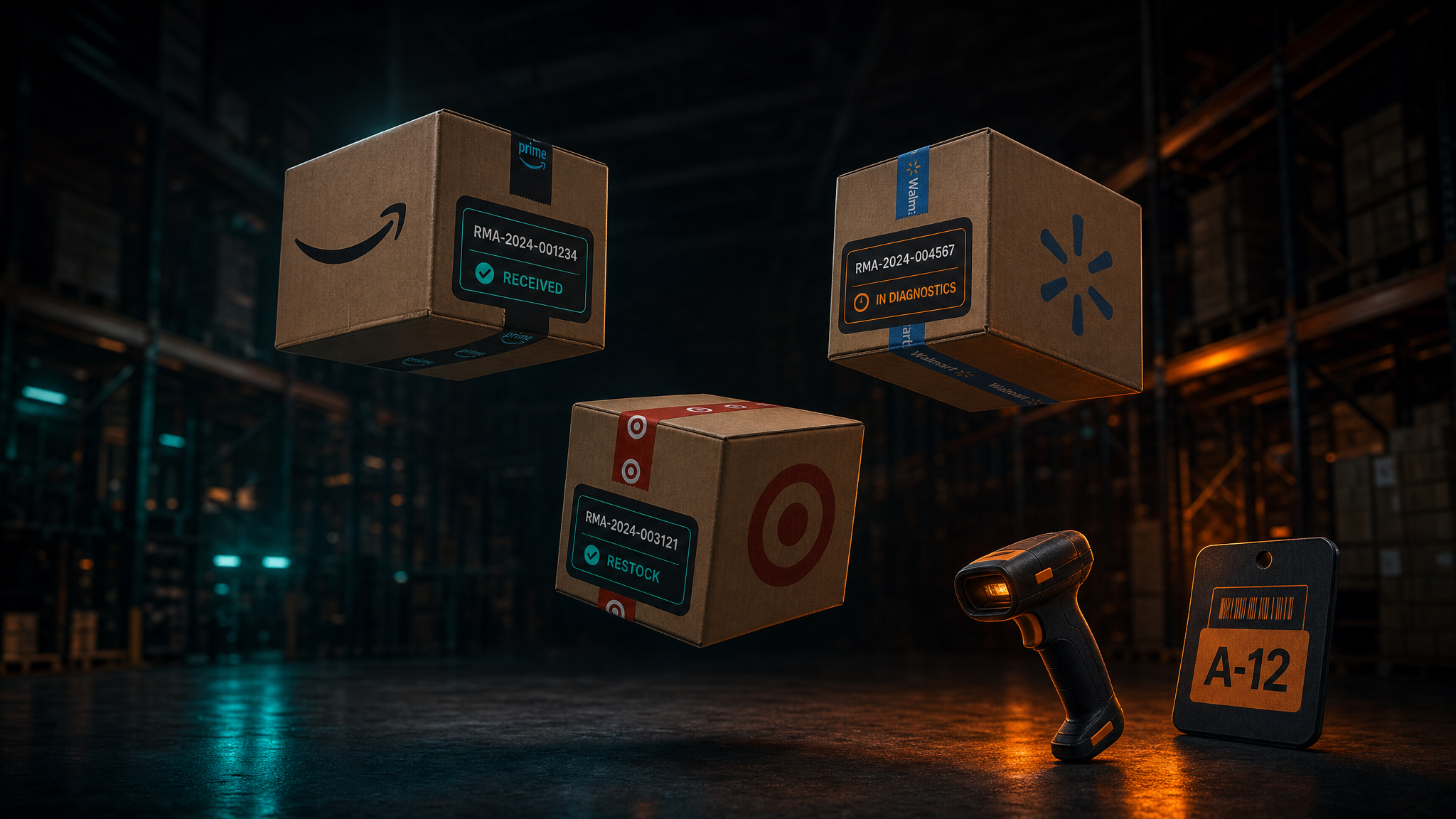
Returns · Warehouse ops
Turn returns into recovered revenue
Scan, receive, diagnose and resell FBA removals and customer returns in one workflow — from the moment a shipment hits your dock to the unit going back on sale.
14 days free · No credit card required
Works with
- Amazon
- Walmart
- More channels coming soon
The problem
Returns pile up faster than they go back on sale
Every unit sitting on a receiving dock is money already spent and not yet recovered. The delay is rarely the repair — it's knowing what arrived and what to do with it.
- 01
You don't know what's in the box
An inbound shipment could be an FBA removal or a customer return, and the handling is completely different for each.
- 02
Receiving decisions aren't written down
Whether a unit is sellable, needs diagnosis, goes back to the vendor or gets liquidated lives in somebody's head, not in a process.
- 03
Stock stays wrong until someone fixes it
Units that are ready to sell sit uncounted, so the listing stays out of stock while the inventory is in the building.
What it does
One platform for the entire returns lifecycle
From the scan at the dock to the relisted unit, every step recorded, assigned and visible to the whole team.
Scan and see what's inside
Scan a tracking number or RMA and the platform tells you whether it's an FBA removal or a customer return before you open it.
Disposition-based receiving
Route every unit on arrival to Sellable, Diagnose, RTV or Liquidate, with photos and notes attached to the decision.
Diagnostics workflow
Technicians follow a defined sequence of steps, notes and outcomes instead of improvising unit by unit.
Removal and return tracking
Live status on every unit from inbound shipment through to restock, so nothing goes quiet in the middle.
Case and task management
Track, assign and resolve reimbursement cases and warehouse tasks in the same place the units are handled.
API and webhooks
Real-time events out to your other systems, so your WMS, 3PL or internal tooling stays in step automatically.
How it works
From the warehouse dock to back on sale
- 01
Scan
Units are scanned on arrival and matched to the order or removal they came from, so receiving starts with a known item.
- 02
Sort
Each unit is received by disposition — sellable, diagnose, RTV or liquidate — with photos and notes captured at the decision point.
- 03
Restock
Cleared units update stock and go back on the channel, with the whole path from dock to listing recorded behind them.
Who it's for
The control room for returns operations
FBA and multi-channel sellers
Removals and customer returns arriving from several channels at once, with no single place to handle them.
Operations teams and warehouses
Receiving staff who need to know what to do with a unit without asking someone first.
3PLs and multi-location operations
Returns handled across more than one building, where status has to be visible from outside the warehouse.
Pricing
Simple plans that scale with your operation
Every plan starts with 14 days free and no credit card. Additional channels can be added to any plan.
Case Manager
- 500 cases per month
- 1 channel included
- 3 users
- Email support
- Additional channels $49 each
Standard
Most popular- 500 RMAs per month
- 5,000 channel listings
- 500 cases per month
- 1 channel, 1 location
- 3 users
- 50 alerts
- Additional channels $99 each
Premium
- 2,000 RMAs per month
- 50,000 channel listings
- Unlimited cases and alerts
- 1 channel, 1 location
- 5 users
- Diagnostics and RTV process
- Additional channels $99 each
Enterprise
- Unlimited RMAs and listings
- Multi-location
- Custom integrations
- Dedicated customer success manager
- Volume pricing
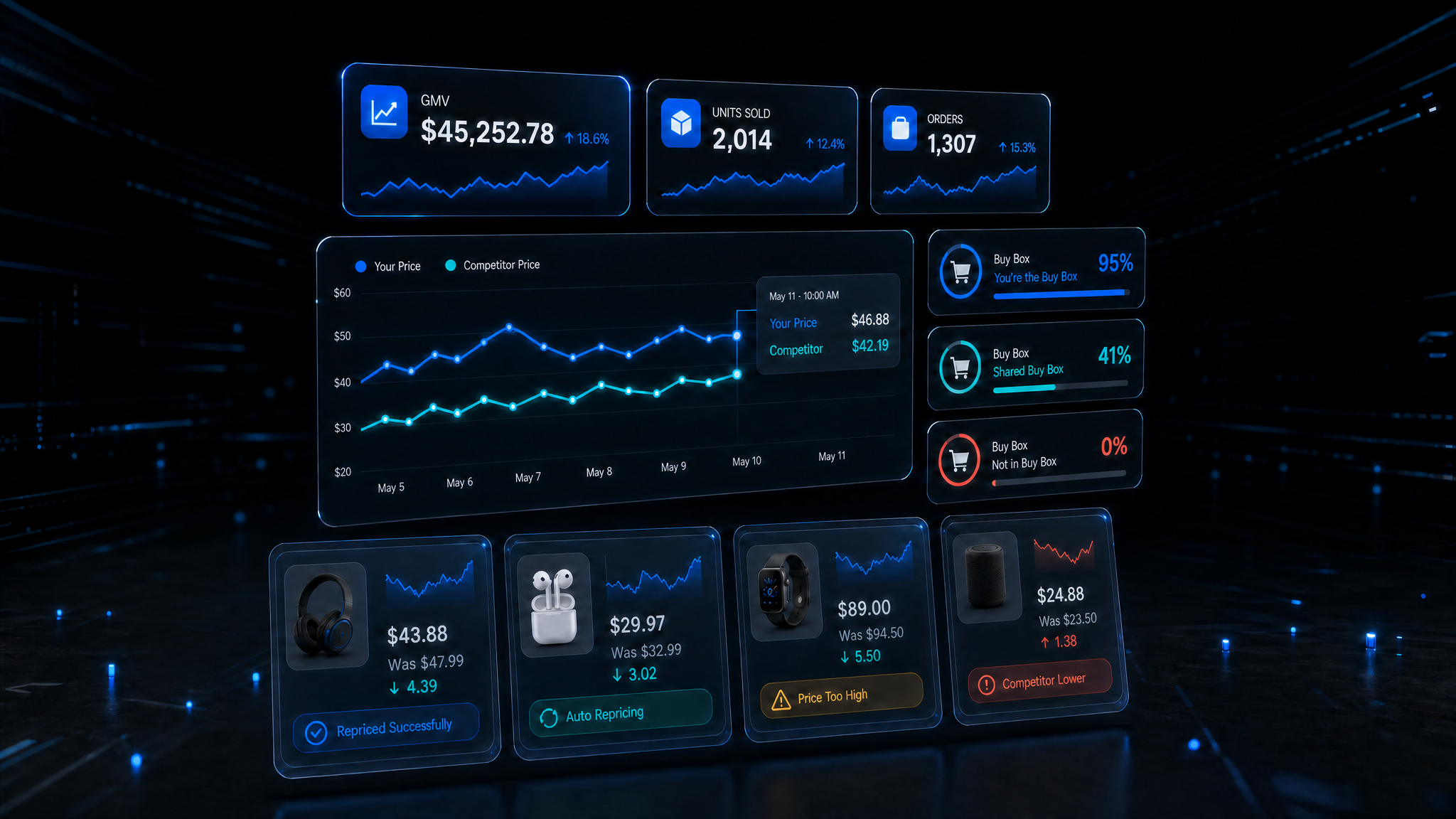
EZ Cloud Labs has built custom software and automation for e-commerce and marketplace businesses since 2013. We build systems that fit how you actually work.
Jacob Rottenberg
CEO & FOUNDER
Stop chasing removals and returns
Tell us how your returns arrive and who handles them. We'll walk through where units are getting stuck and what the workflow would look like instead.